Warm Up Right, Before Every Match
A guided, sport-specific warmup built from your profile — height, weight, age and BMI — with a quick link to any upcoming match. Pick your sport, get a routine sized just for you, and follow along with voice cues and timers on your iPhone or right on your Apple Watch. Entirely rule-based and on-device — no LLM, no cloud call.
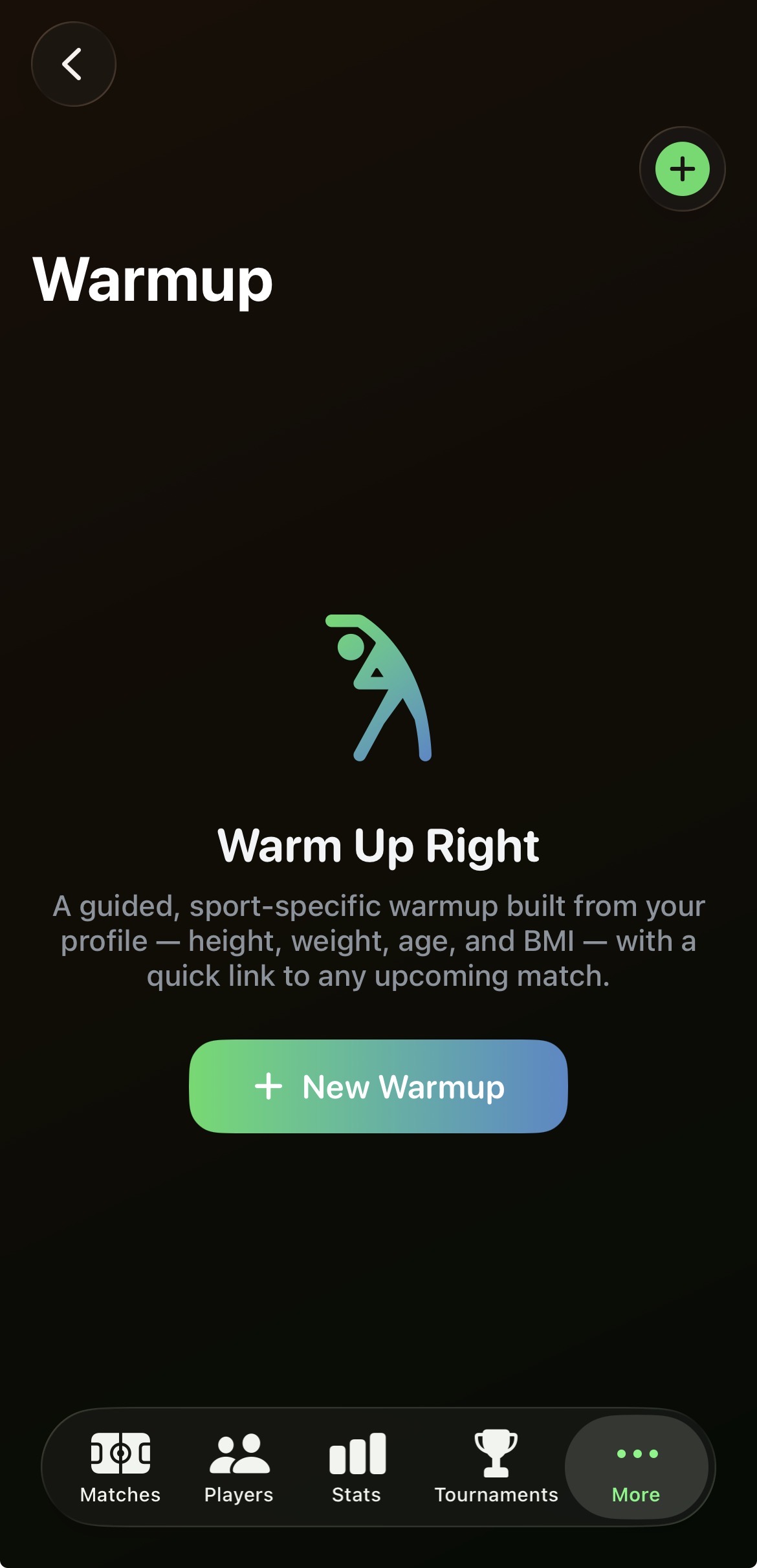
A dedicated Warmup tab
Warmup sits under More, next to Matches, Players, Stats and Tournaments. One tap on New Warmup starts the guided flow, and every session you complete — or end early — is saved so your Warmup list becomes a running history you can revisit any time.
- Built from your profile: height, weight, age and BMI.
- Saved sessions keep the full exercise list, timings and rationale.
- Swipe to delete any saved warmup you no longer need.
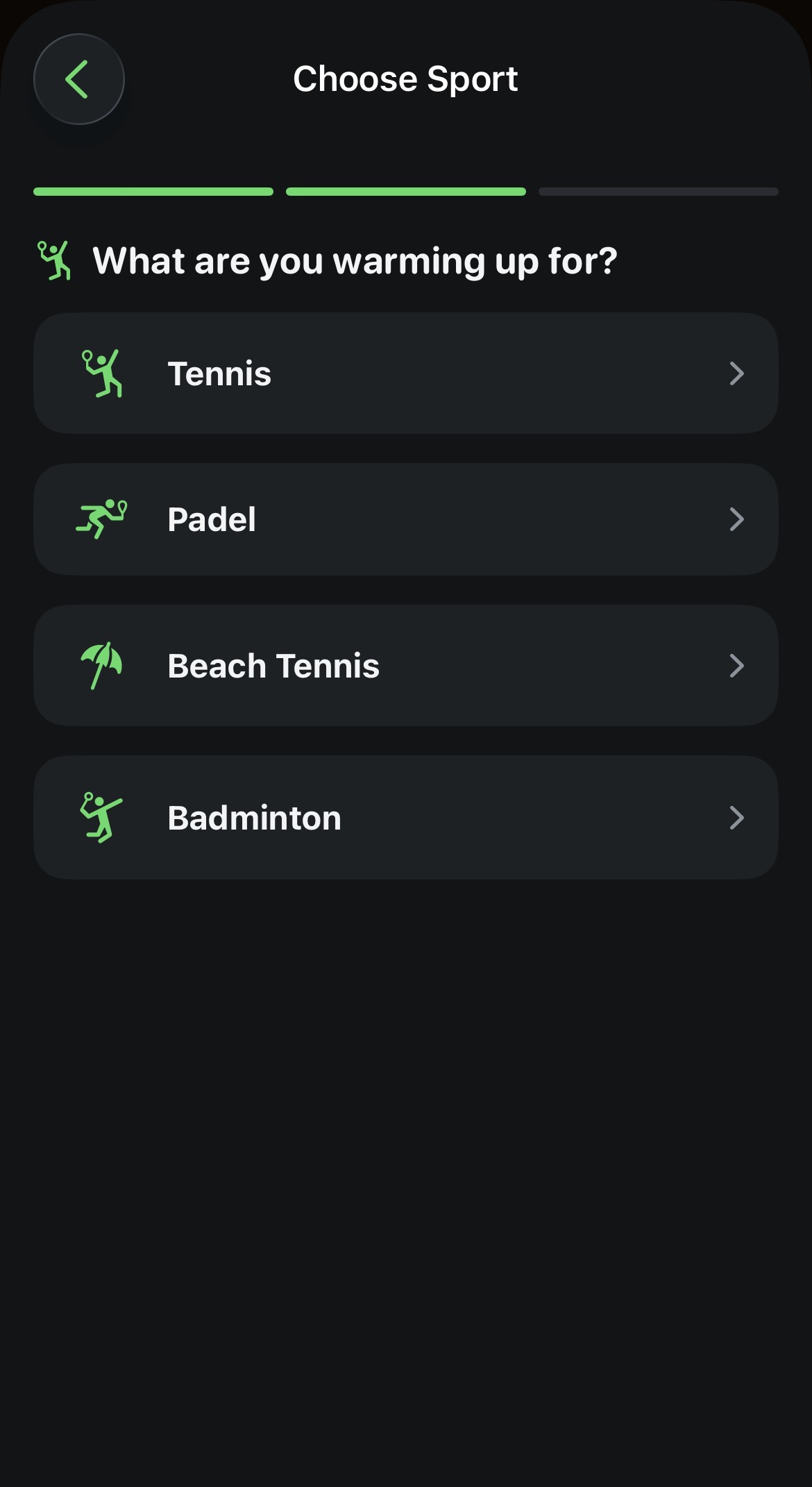
Link a match, or just pick a sport
Optionally link one of your upcoming matches so the warmup knows it's match day and leans into sport-specific prep. Skip it and choose a sport directly — Tennis, Padel, Beach Tennis or Badminton — and CourtsidePlay builds a general warmup for that sport instead.
- Match-day routines add an extra sport-specific drill (3 instead of 2).
- Same generator adapts sport-specific drills per sport — shadow forehand/backhand and serve rehearsal for racket sports, split-step and lateral shuffles, short-court footwork for padel and beach tennis, court-corner shuttles for badminton.
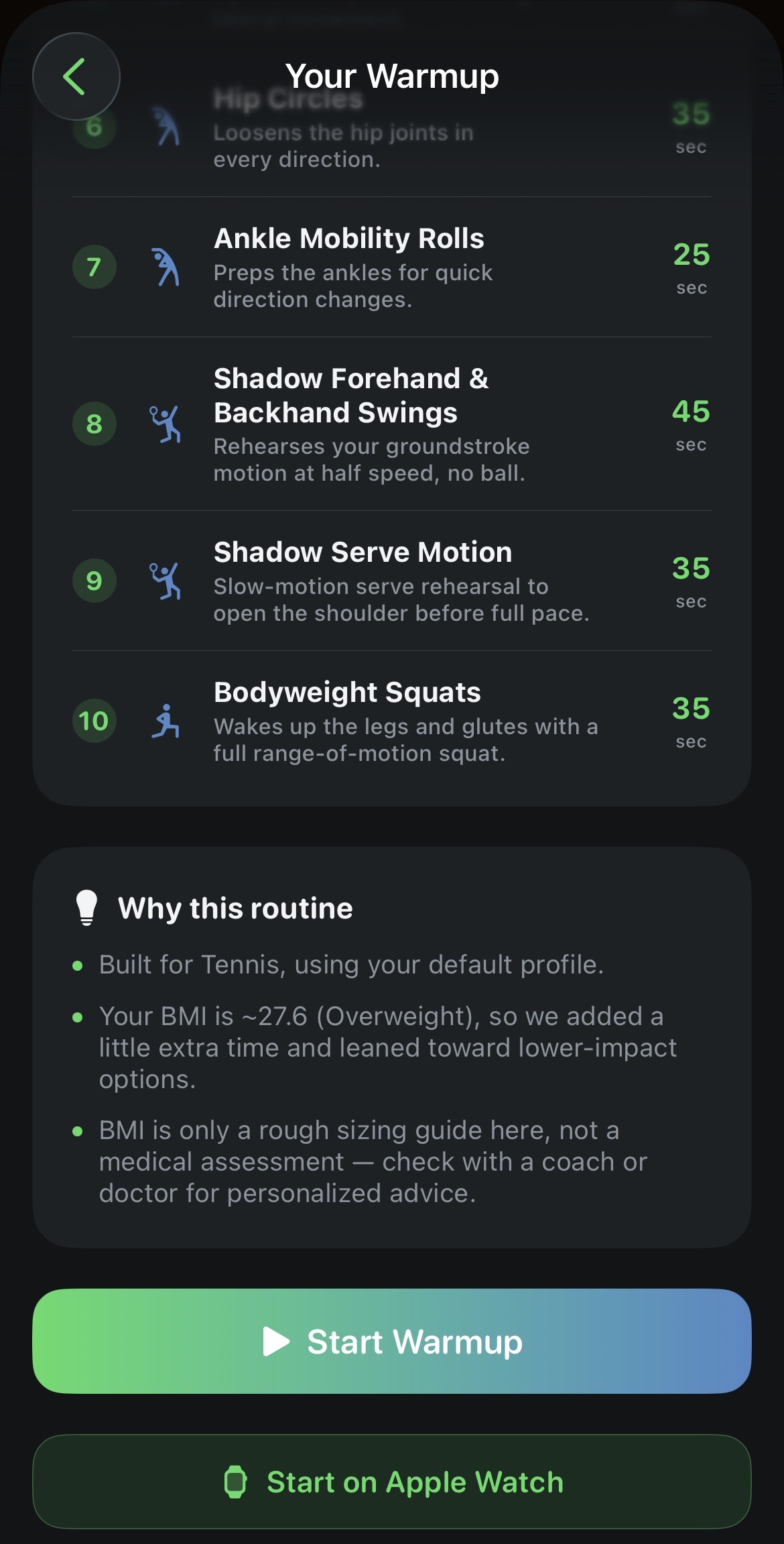
A routine sized to you, with the reasoning shown
Before you start, CourtsidePlay previews the full routine — every exercise, its duration in seconds, and the total time. A rule-based engine orders exercises through five phases (Cardio, Dynamic Stretch, Mobility, Sport-Specific, Activation) and scales durations using your BMI and age: a higher BMI adds time and favours lower-impact moves, an older age band adds mobility work, a younger one trims duration. A plain-English "Why this routine" card explains every adjustment it made.
- Around 30 exercises in the library across five phases — cardio activation, dynamic stretches, mobility drills, sport-specific rehearsal and activation moves.
- Higher-BMI and senior-friendly routines lean on low-impact exercises and skip the final activation phase when appropriate.
- Same inputs always produce the same routine — deterministic, not randomised or AI-generated.
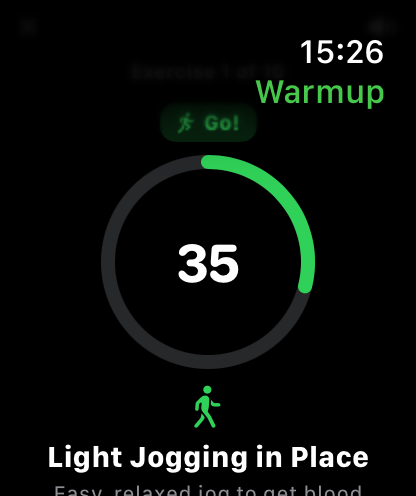
Voice-guided timers, on iPhone or your wrist
Every exercise has a short "Get Ready" countdown followed by the timed exercise itself, with a spoken cue for each — "Next up: Light Jogging in Place. Get ready.", then "Go!" — read aloud by on-device text-to-speech. A colour-coded ring (orange for get-ready, green for go) and written step-by-step instructions keep you on track even with the sound off. Send the routine straight to your Apple Watch and it runs the entire session independently, with matching voice cues and haptic taps at the start of each exercise, on "Go!", in the final three seconds of prep, and on completion.
- Progress shown as "Exercise X of Y", with pause, resume, skip and an early-exit option.
- Voice cues can be muted independently on iPhone and on Apple Watch.
- Once pushed to the Watch, the session keeps running even without your iPhone nearby.
Finish on your wrist, sync back whenever you want
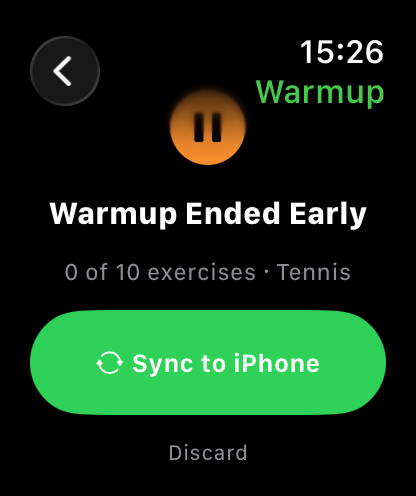
Whether you finish every exercise or stop early, the Watch shows a completion screen with your progress — "X of Y exercises" and the sport — and a Sync to iPhone button. Tap it and CourtsidePlay saves a full record on your phone: sport, linked match and player if any, BMI snapshot, the complete exercise list and how many you actually completed. Prefer not to keep it? Discard drops it instead.
- Sessions ended early are still saved, with the exact completion count.
- Sync is device-to-device via WatchConnectivity — no server involved.
Privacy: rule-based and on-device, from start to finish
Warmup routines are generated on your device by a fixed set of rules using your sport, BMI and age — there is no network call, no cloud service and no LLM anywhere in the feature. Voice cues use Apple's on-device speech synthesis, and saved sessions live locally in the app's SwiftData store. BMI is used only as a rough sizing guide for exercise selection and duration — it is never shown as a diagnosis or medical judgment. If you have an injury or a specific medical condition, check with a coach, physiotherapist or doctor before following any warmup routine.
Get CourtsidePlay
Every feature on this page is built in. Download once and start warming up smarter before your next match.