Lock In Before You Play Attention Games for the Ball
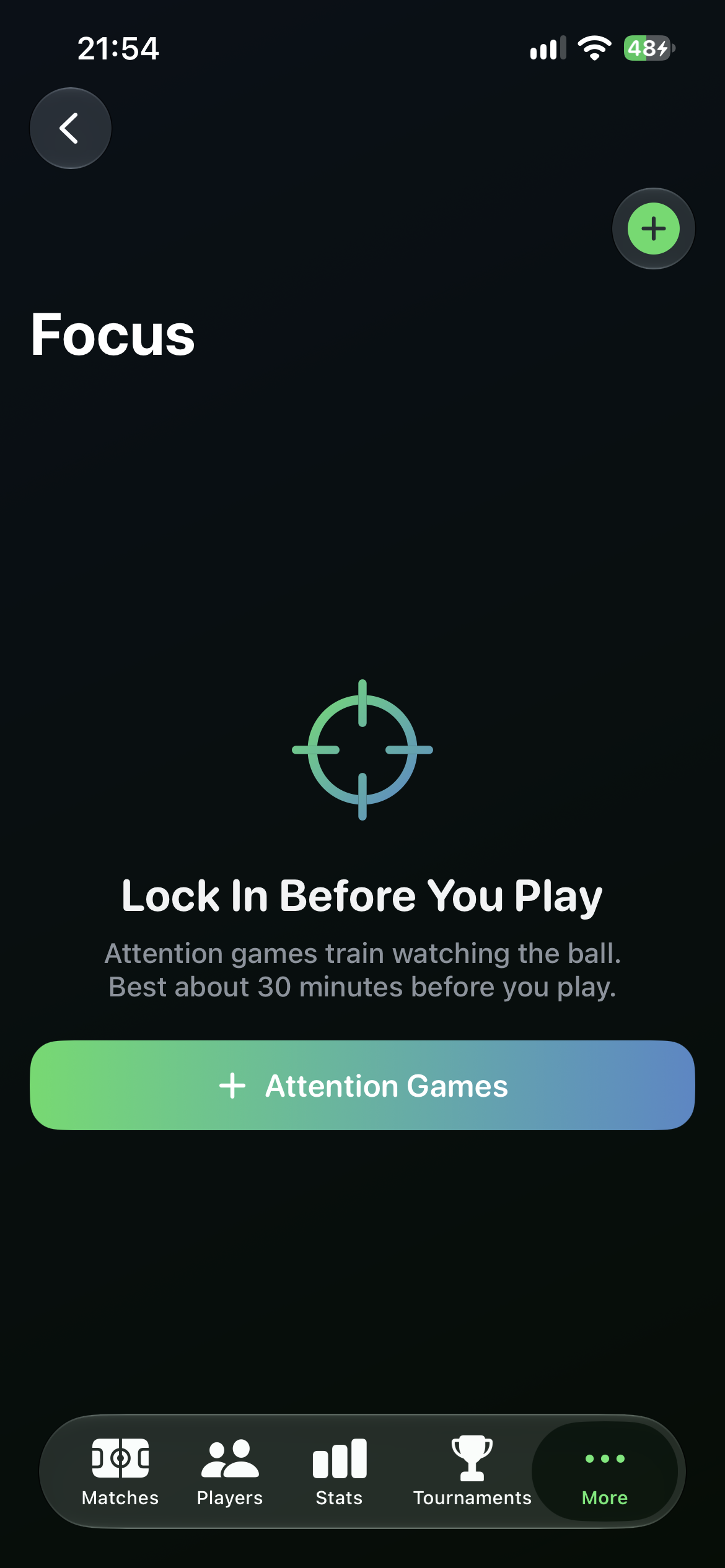
Focus lives under More, next to Equipment. Three short on-device games — Target Lock, Quiet-Eye Hold and Shot Call — take about six minutes. Best about 30 minutes before you walk on court, then do your physical warmup.
A dedicated Focus tab
Open More and tap Focus. If you have not run a session yet, you see a court-style empty state and one button: Attention Games. Every completed session can be saved, so the list becomes a history you can reopen later.
- Plus in the corner, or Attention Games, starts the guided flow.
- Saved sessions keep the three game scores on your phone.
- Nothing is uploaded. There is no network call and no LLM in Focus.
Three games, always in the same order
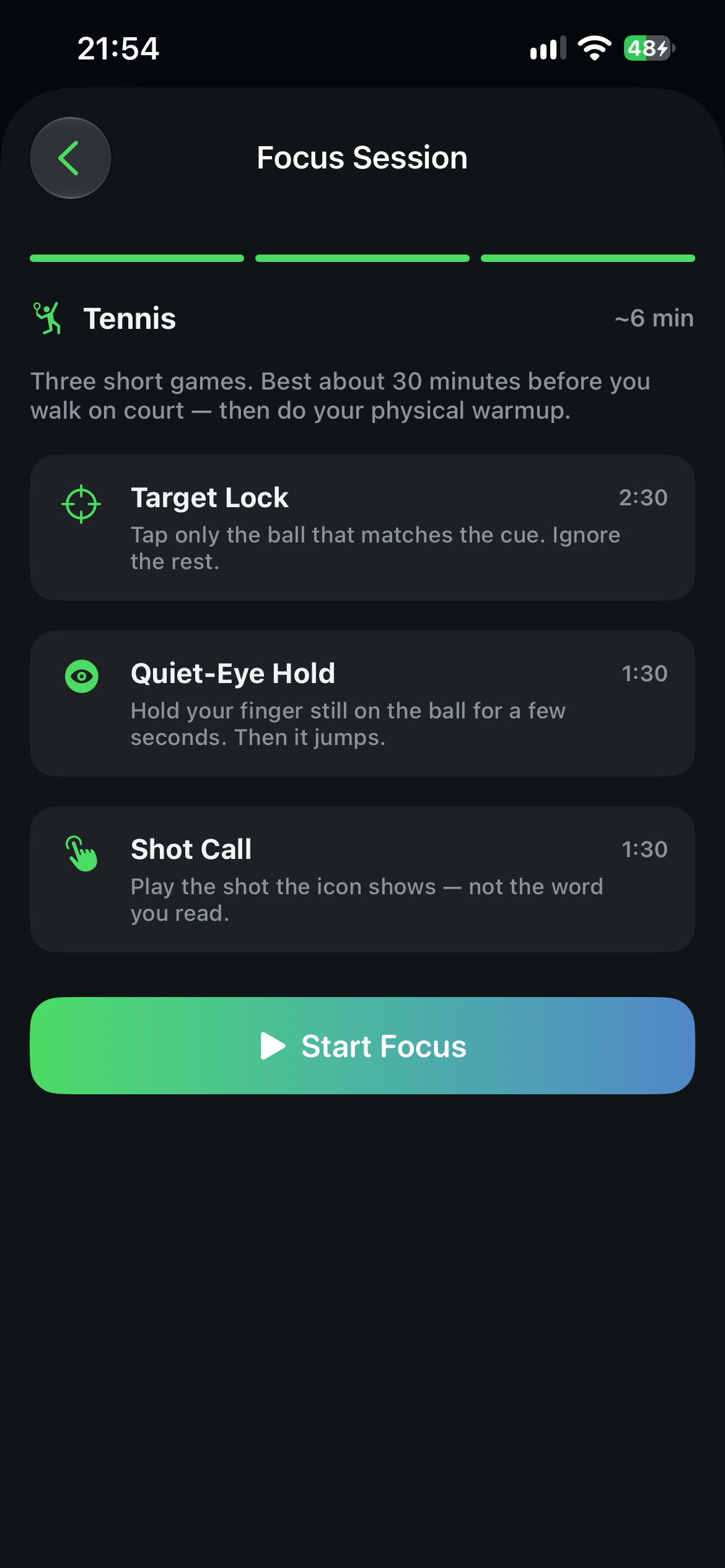
Pick a sport if you want, then start. The session always runs Target Lock, Quiet-Eye Hold and Shot Call in that order — about 2:30, 1:30 and 1:30 of play, plus short intros. The idea is watching the ball, not swinging a racquet.
- Target Lock: tap only the ball that matches the cue. Ignore the rest.
- Quiet-Eye Hold: keep your finger still on the ball for a few seconds. Then it jumps.
- Shot Call: play the shot the icon shows — not the word you read.
- You can end early. Scores for the games you finished are still saved.
A short countdown, then play
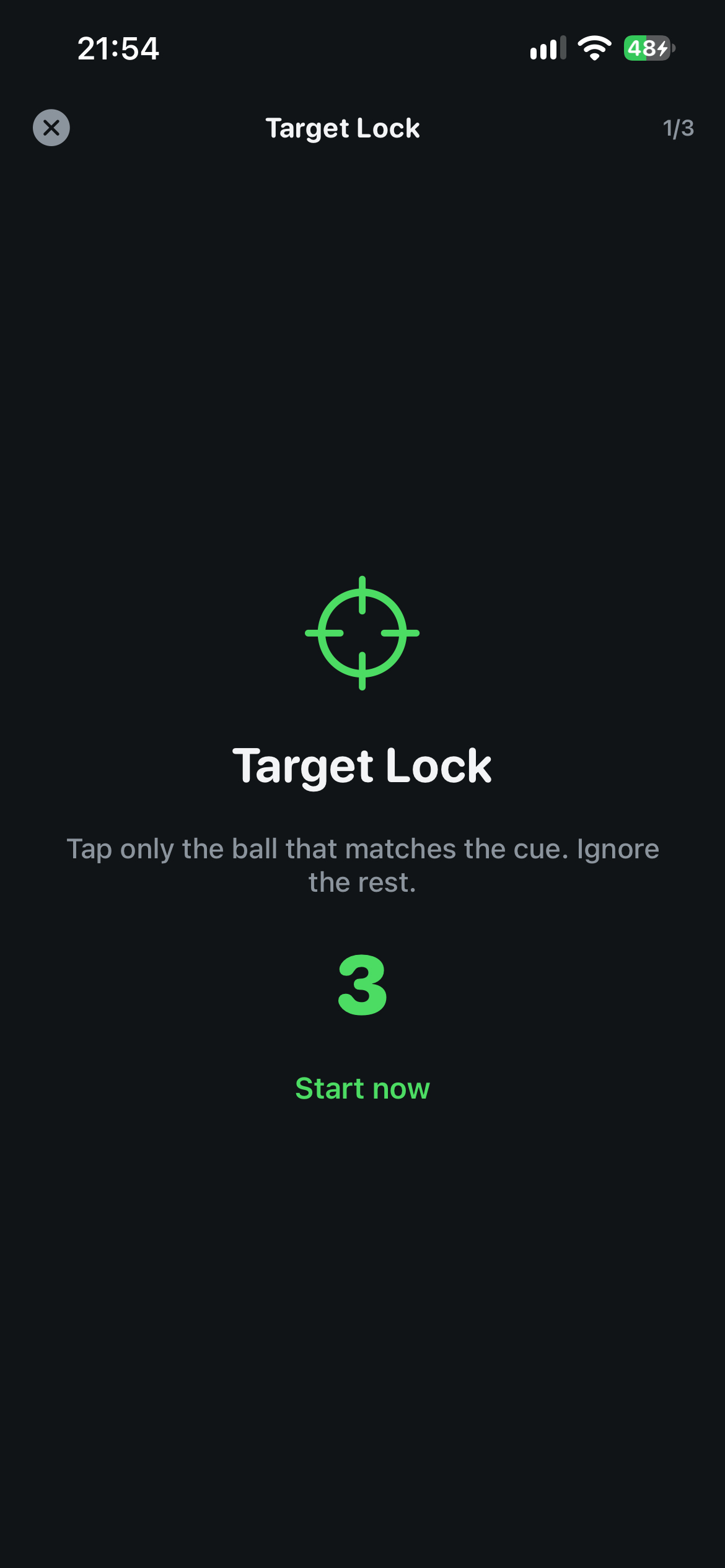
Each game opens with Get Ready and a three-second count. That pause is the same idea as standing still before a return — settle your eyes, then react.
- Progress at the top shows which of the three games you are on.
- Haptics mark hits and misses so you feel the result without looking away.
Target Lock on a live court
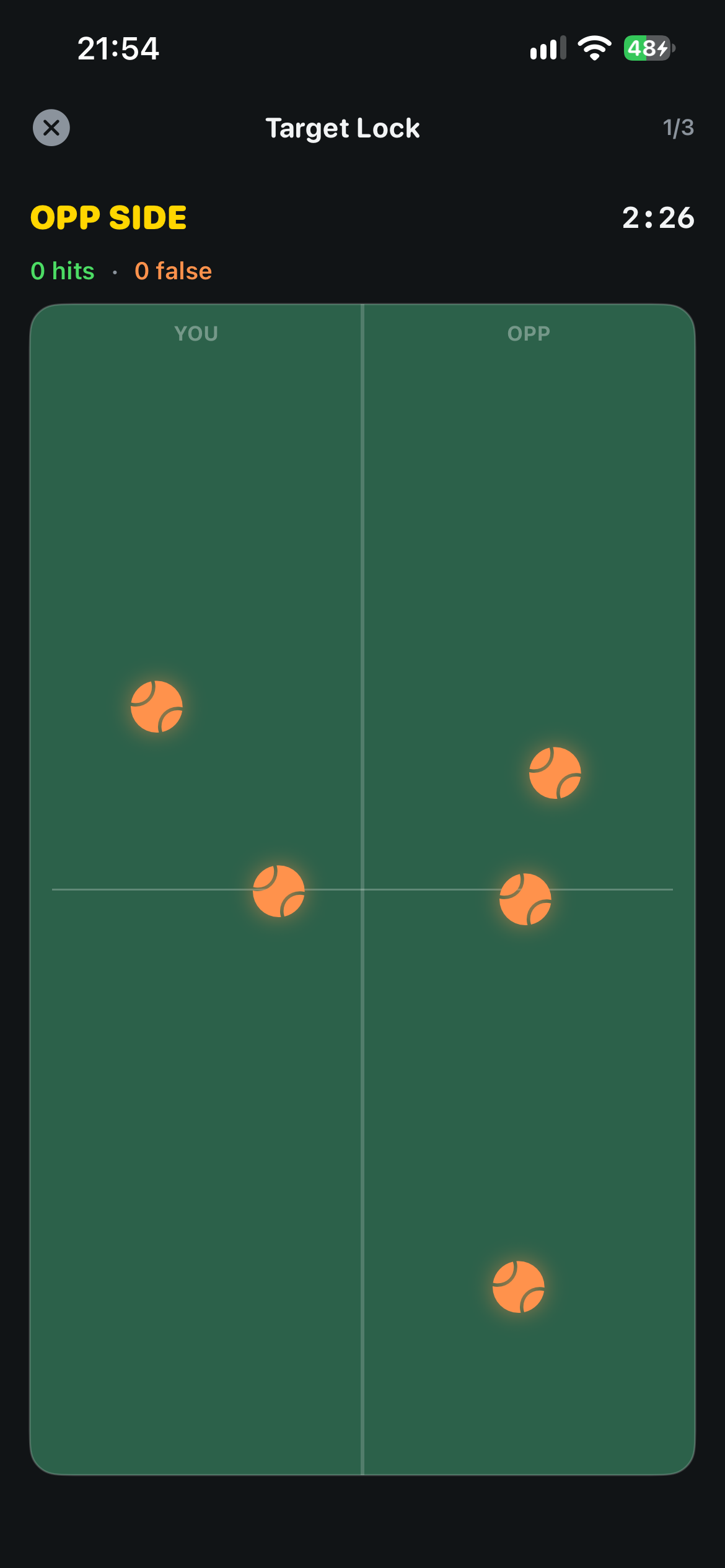
Balls move on a court. A cue tells you which one to tap. Hits, false taps and accuracy are scored as you go, then you move to Quiet-Eye Hold and Shot Call.
- Accuracy is hits versus false taps — tapping the wrong ball counts against you.
- When all three games finish, save the session to your Focus list.
On your device, not a coaching diagnosis
Focus games run entirely on your iPhone. There is no cloud service and no large language model. Scores stay in the app's local store. These exercises are a practical way to settle your eyes before you play — they are not medical advice, and they do not replace a coach or a physical warmup.
Get CourtsidePlay
Every feature on this page is built in. Download once and lock in before your next match.