Score on your Watch. Sync on your terms.
When you score a match on your Apple Watch, CourtsidePlay lets you choose how it reaches your iPhone. Pick Auto to stream every point live, or Manual to keep the whole match on your wrist and send it with a single tap when you're ready — perfect when your phone stays in the bag.
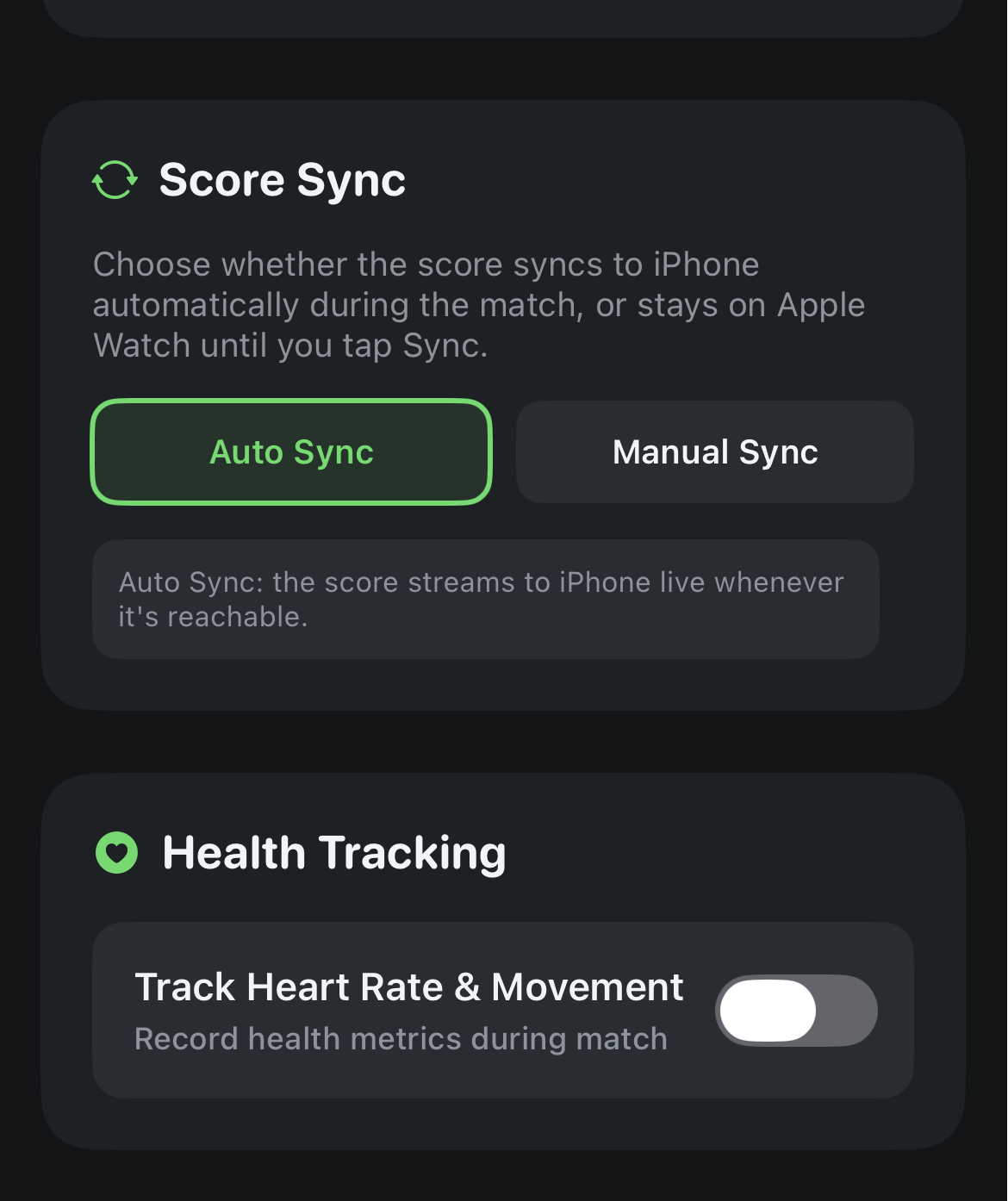
Choose Auto or Manual in match setup
Whenever you create a match scored on the Apple Watch, a Score Sync option appears in the configuration form. It works the same way across every sport — Tennis, Padel, Beach Tennis and Badminton — and for demo matches too.
- Auto — every point streams to the iPhone as you play, so the phone scoreboard tracks the Watch in real time.
- Manual — the Watch holds the complete, authoritative match. You tap Sync to iPhone when you choose, and the phone is rebuilt from the Watch's own record.
- Manual mode keeps the finished-match screen open so the Sync button is always there — it no longer disappears after a couple of seconds.
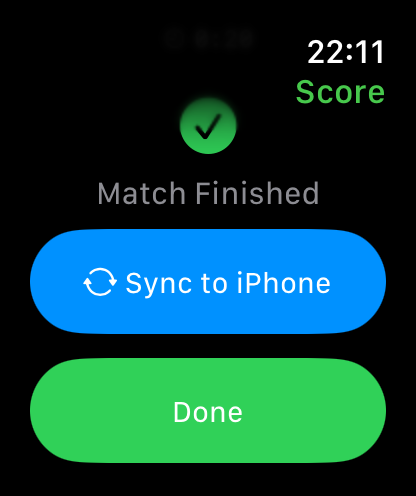
One tap sends everything
Manual sync isn't just the score. When you tap Sync to iPhone, the Watch sends its full record so your Match Summary is complete even for matches the phone never watched live:
- Final score and match status (in progress, completed or retired).
- Heart-rate time series, calories, distance and steps from the workout.
- Swing analytics — every detected shot, its intensity and peak G.
- The full point-by-point history, so swings and per-point heart rate attach to the right rally.
You can also sync a match you finished earlier: completed matches that still live only on the Watch show a Sync to iPhone button in the match list.
Keep both devices in range
Manual sync sends the match directly from the Watch to the iPhone, so the two need to be connected at the moment you tap Sync. If the iPhone isn't reachable, the Watch shows an error and keeps your match safely stored — just move closer and tap Sync again.
Get CourtsidePlay
Every feature on this page is built in. Download once and start analysing your next match.